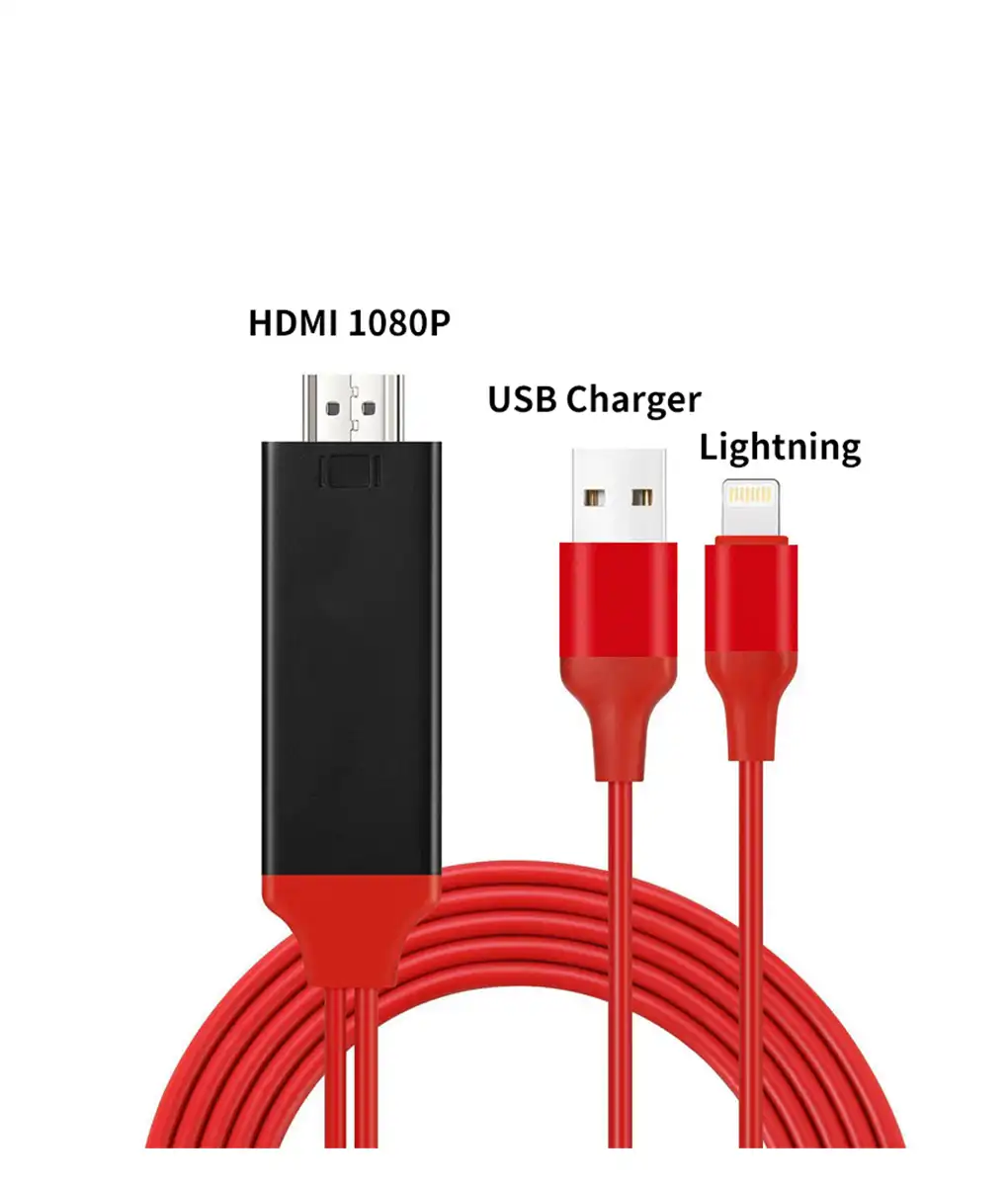
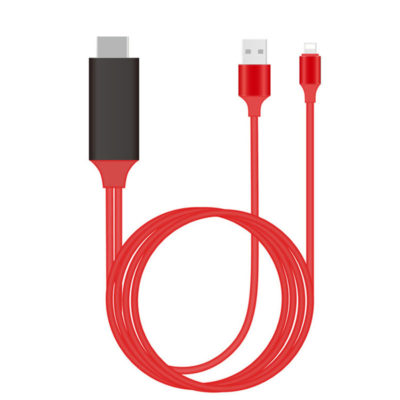
iPhone Screen to TV Cable
$39.90
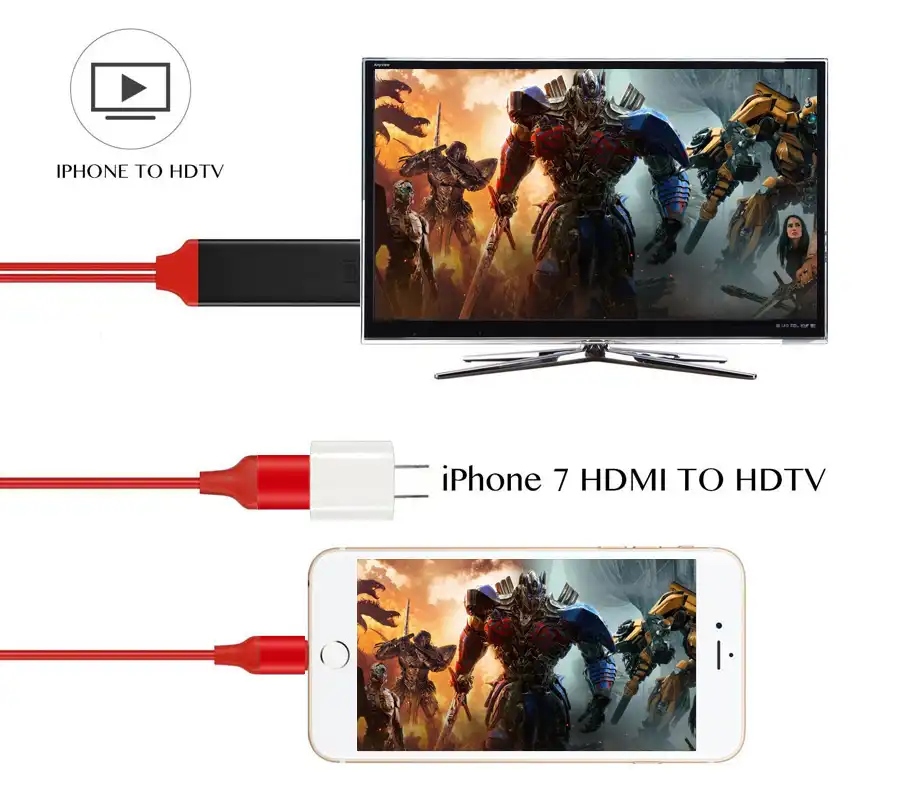
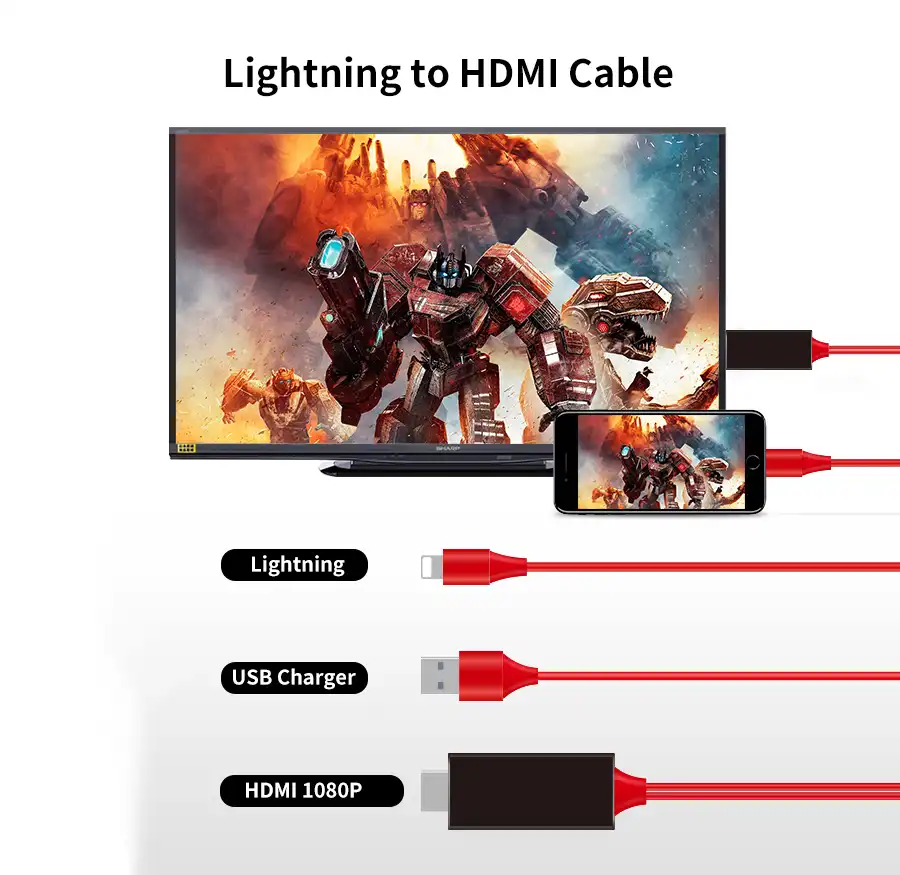
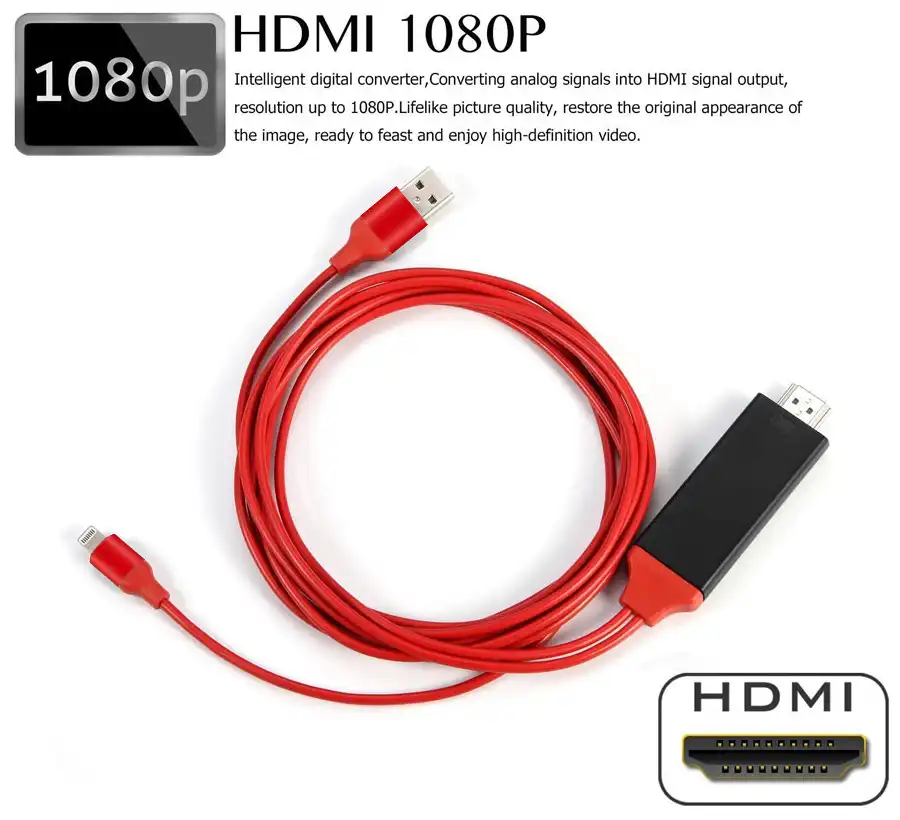
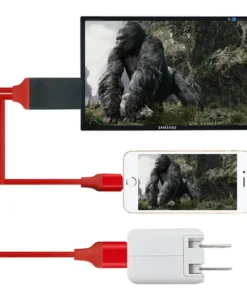
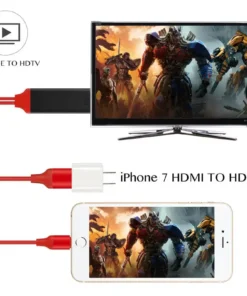
Enjoy movies and TV shows on big screen in 1080P HD quality from iPhone Screen to TV Cable!
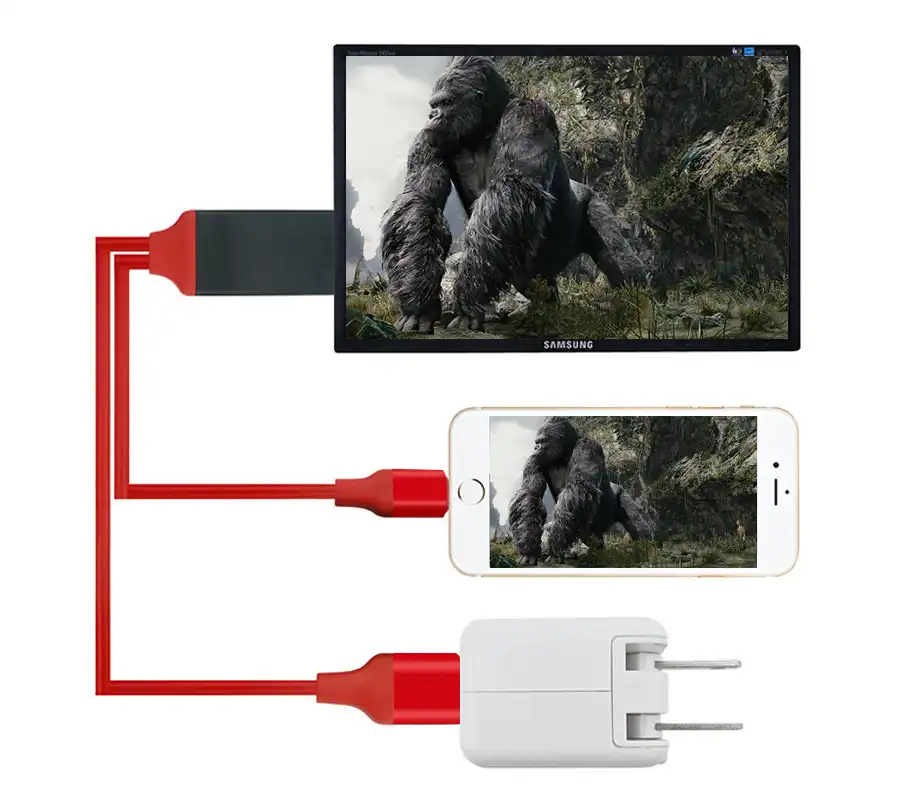
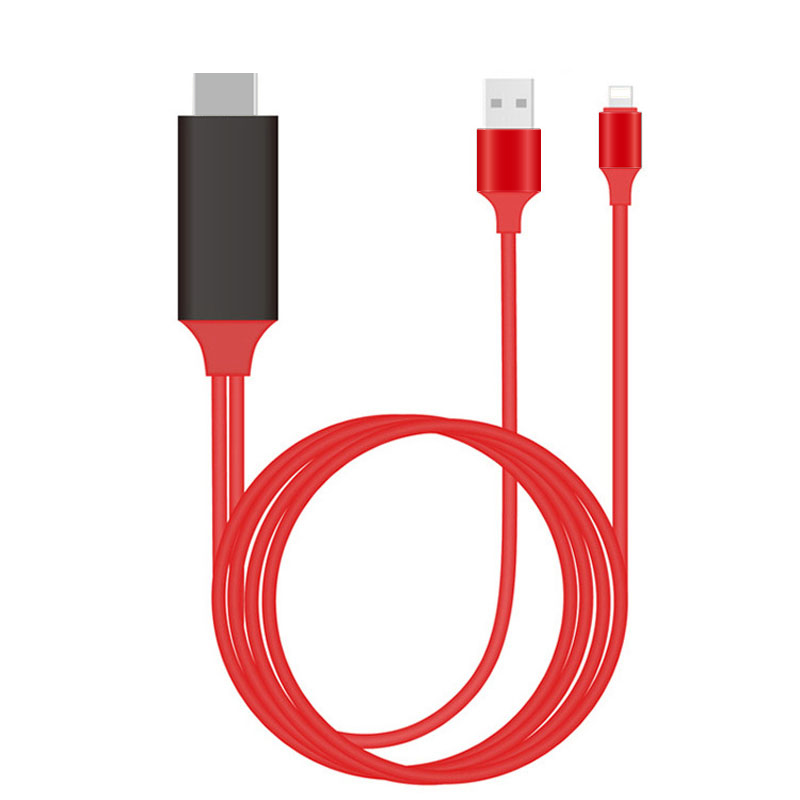
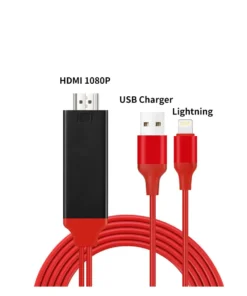
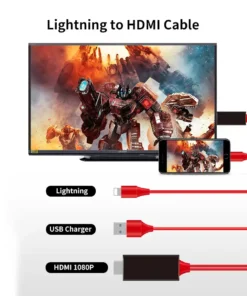
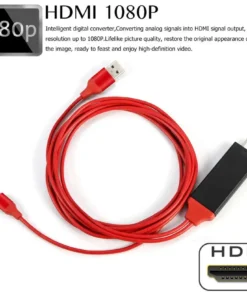
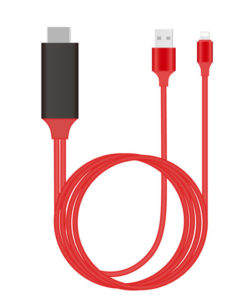
This HDMI adapter can mirror your image or video from iPhone or iPad to HDTV without any apps! This Cable contains a single adapter to connect mobile device to HDTV. With lifelike image quality, this Cable restores the original look of the image, allowing you to enjoy and enjoy high-definition video!
With this Cable, charging and mirroring will work at the same time! Buy Molooco’s iPhone Screen to TV Cable at a very affordable price, save yourself a fortune and watch high quality videos on the big screen!
OUR GUARANTEE
We are confident that we offer some of the best products on the market. Therefore, we provide a 30-day guarantee.
We will make every effort to ensure that you are completely satisfied with your purchase.
Online shopping can seem daunting. We want you to know that there is absolutely zero risk of purchasing something. We won’t make it difficult if you don’t love it.
We offer email and ticket support 24 hours a day, 7 days a week. If you require assistance, please contact us. Please contact customer service if you have any problems with your purchase.

Anthony K. –
Only HDMI to lightning adapter that lets you go true full screen on a tv without the black bars ONLY on an iPad. I have the OEM Apple lightning to HDMI and it doesn’t go true full screen. I’ve used several Lightning to HDMI adapters and this is my go to one. Do not buy if you are using an iPhone to connect to a TV since it will be stuck in portrait mode even when the iPhone is in landscape mode. This is an iPhone Apple software update about a couple of years ago that ruined this feature. You can google and see many issues connecting iPhone to TV, stuck in portrait mode. iPad doesn’t have this issue.